

Season + schedule
Week and month views plus planning summaries so you always know what’s next for the squad.
Touchline Studio helps soccer coaches build sessions quickly, keep drills organized, and track player development through the full season.
No account setup required. Start planning sessions in minutes.
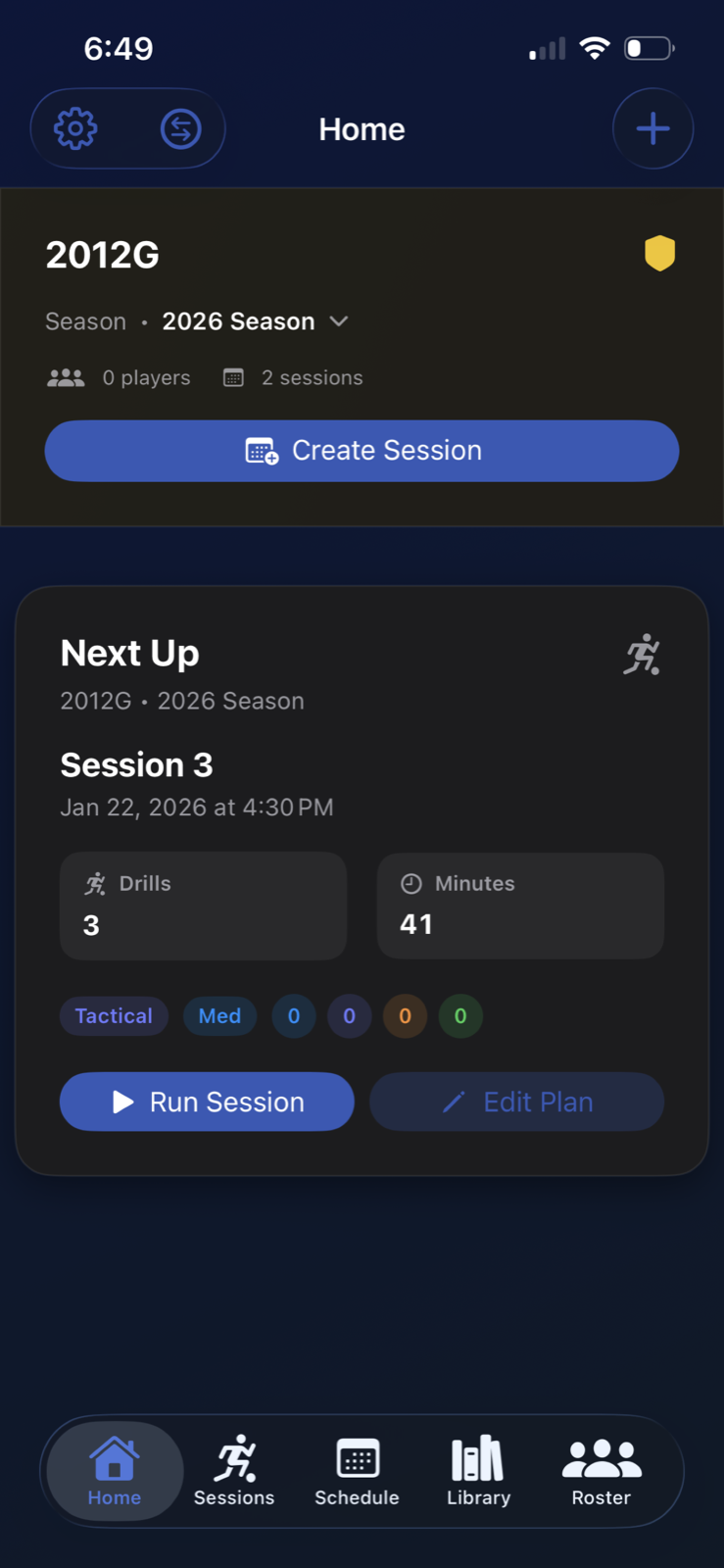
Tap a screenshot to enlarge. Swipe or use arrow keys to browse.
Want to test your own weekly workflow?
From planning the week to running training and capturing player notes, everything stays in one fast interface.
Week and month views plus planning summaries so you always know what’s next for the squad.
Store drills with tags, equipment lists, and coaching points so you can reuse proven sessions quickly.
Generate drill ideas from your constraints. It is opt-in and uses your own OpenRouter API key.
Build tactical movement diagrams and replay each phase to make coaching instructions clearer.
Capture observations during training and keep notes tied to sessions and players all season long.
Your data stays in your private iCloud account and syncs across iPhone, iPad, and Mac.
A simple loop: plan, run, review. No spreadsheet cleanup at the end of the night.
Select your training goal, pull drills from your library, and build the week in minutes.
Use live views and timer support during practice to keep flow and transitions tight.
Add notes after key reps and keep season-long context without extra admin.
Common workflows that Touchline Studio simplifies every week.
Build your week’s sessions in minutes with drills you’ve saved, tagged, and refined over time.
Stop recreating drills from scratch. Search by tag, equipment, or coaching point and drop them into any session.
Keep notes tied to players and sessions so progress is visible across the season without extra admin.
See why coaches replace docs and spreadsheets with one app.
No accounts, no tracking SDKs, and no server storing your coaching data.
Teams, sessions, drills, notes, and media stay on-device. Optional iCloud sync uses your private CloudKit database.
AI features run only when enabled. Your OpenRouter key is managed on your device.
Read the full privacy policy any time in plain language.
Search quick answers before training starts.
Yes. Core features work fully offline. Internet is only needed for AI drill generation.
Enable iCloud for Touchline Studio in iOS Settings → your Apple ID → iCloud → Apps Using iCloud.
No. Touchline Studio does not include analytics SDKs or tracking pixels.
You choose a model and provide your own OpenRouter API key. Only the drill parameters you enter are sent to the AI service.
No matching FAQ found. Try a broader keyword or visit the Support page.
Download Touchline Studio and start planning better training sessions today.
Touchline Studio on App Store
Download